
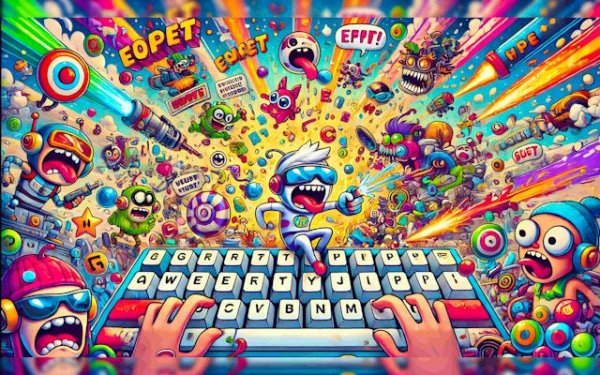
Keyboard Typing Adventure
Reviews
Keyboard Typing Adventure successfully transforms a fundamental skill into an entertaining experience. The level design is thoughtful, introducing new challenges at a comfortable pace. Visual and audio elements enhance the atmosphere without distracting from the core typing task. The feedback system is particularly useful, allowing players to track their speed and accuracy. This game is a solid choice for anyone looking to improve their typing in a fun, low-pressure environment.
About this game
Core Gameplay Loop
Each level presents a series of on-screen prompts that correspond to actions within the game world. Players type these prompts to make their character move, jump, or interact with objects. The faster and more accurately you type, the smoother the action unfolds. Mistakes cause brief pauses, encouraging players to focus on precision. This loop turns routine typing drills into an active, story-driven experience.
Level Design & Progression
The game introduces new scenarios as players advance, from simple movement tasks to more complex sequences that require quick thinking. Early levels focus on common short words, while later stages incorporate longer phrases and varied vocabulary. This gradual increase in difficulty helps players build confidence without feeling overwhelmed. Each completed level unlocks the next, providing a clear sense of progress.
Visual & Audio Atmosphere
Cinematic visuals and a fitting soundtrack create an immersive backdrop for the typing challenges. The art style supports the narrative, making each environment feel distinct. Sound effects provide feedback for correct and incorrect inputs, reinforcing learning through audio cues. This combination keeps the experience engaging and helps maintain focus during longer sessions.
Practice & Improvement Tools
Beyond the main levels, the game offers ways to track personal performance. Players can monitor their typing speed and accuracy over time, identifying areas for improvement. Regular practice is encouraged through a system that rewards consistency. The design supports both casual play and dedicated skill development, making it suitable for a wide range of users.






Comments
0 comments